




Chocospin App on Mobile and Web Platforms
With the help of the Chocospin app, everything from trendy online slots to live dealer tables becomes accessible while you’re doing anything. Progressive jackpots, table games, the entire catalog – it all works while you’re commuting or hanging out somewhere. It runs on whichever device you’ve got: iOS, Android, even your Windows or Mac computer if you want it there too.



Chocospin Mobile App Features and Benefits
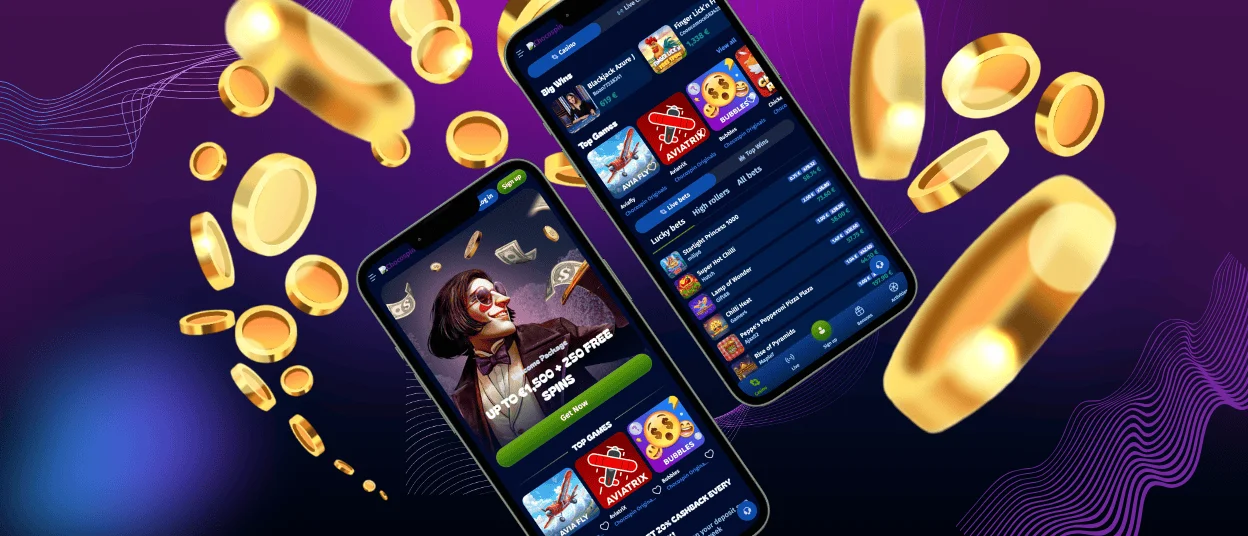
Chocospin Casino structured the app as a progressive web application. It sounds technical, but it means a smart shortcut to the website. Once it’s sitting on your Android or iOS device, you stop needing browsers entirely; tap the icon, and you’re immediately playing.
The Choco Spin mobile casino mirrors everything from the website. Features don’t disappear, interfaces stay familiar, and nothing gets stripped down to some basic version. It’s just optimized for people who’d rather use their phone or tablet than sit at a computer. Your gaming experience doesn’t suffer just because you’re holding a smaller screen.
The benefits of using the Chocospin app are:
- You’re not location-locked anymore. Gaming stops demanding you stay at home. Quality casino action travels with you.
- Getting in happens way faster. One tap from your home screen beats the whole browser routine.
- Everything loads quicker. The PWA caches important items intelligently, so Chocospin Casino interfaces appear almost instantly.
- Notifications help. If you allow it, the Choco Spin app pings you about new promotions and bonuses going live.
- Some actions work offline. Checking account information doesn’t always need the internet since previously loaded content sticks around and is visible through the PWA.
You can also install the Chocospin app on your desktop and everything syncs between devices automatically. Start playing on your laptop, continue later on your phone, switch to a tablet, and your progress follows you without manual transfers or confusion about where you left off.
Choco Spin Application for iOS
iPhone and iPad downloads follow basically the same simple path. Once that’s done, your account becomes accessible from anywhere. Drop in deposits, spin online slots, join live dealer tables broadcasting from actual studios – all while moving around your day. The gaming experience translates to iOS smoothly, without feeling cramped or like you’re missing features.
Download the App on iOS
- Open the website in your mobile browser – Safari handles this best on iOS devices.
- Dive into your browser’s settings and locate “Add to Home Screen” hiding in there.
- Tap the installation button and give it a few seconds for the casino icon to materialize.
- Start using the Chocospin app from any place.
Mobile App for Android Devices
Android package kit files used to be the standard way apps got distributed on Android, but progressive web apps just work better for casino gaming.
| What Matters | Old APK Method | Progressive Web App |
| Storage Impact | Devours space on your device, chewing through RAM and murdering your battery life | Tiny footprint that doesn’t hog resources or drain power |
| Staying Current | You’re stuck manually downloading updates and reinstalling when developers push changes | Updates happen automatically while you’re sleeping or doing anything else |
| Where It Comes From | You’re downloading from some questionable resources, hoping it’s not sketchy | Installs straight from the site – no mystery files from random internet corners |
| Opening Speed | Can drag for seconds depending on how bloated the app got | Opens immediately every single time without hesitation |
How to Install Chocospin
Getting the Chocospin Casino PWA onto your Android phone or tablet takes a few minutes:
At the Choco Spin website in the mobile browser you like using, tap the three dots living in your browser’s address bar. Find “Add to Home Screen” in that menu and tap it. Confirm the installation and you’re finished.
The Chocospin app icon pops onto your screen basically instantly. Tap it whenever you want to play games or peek at account details and you’re in without the browser getting involved at all.
Play on Windows or Mac
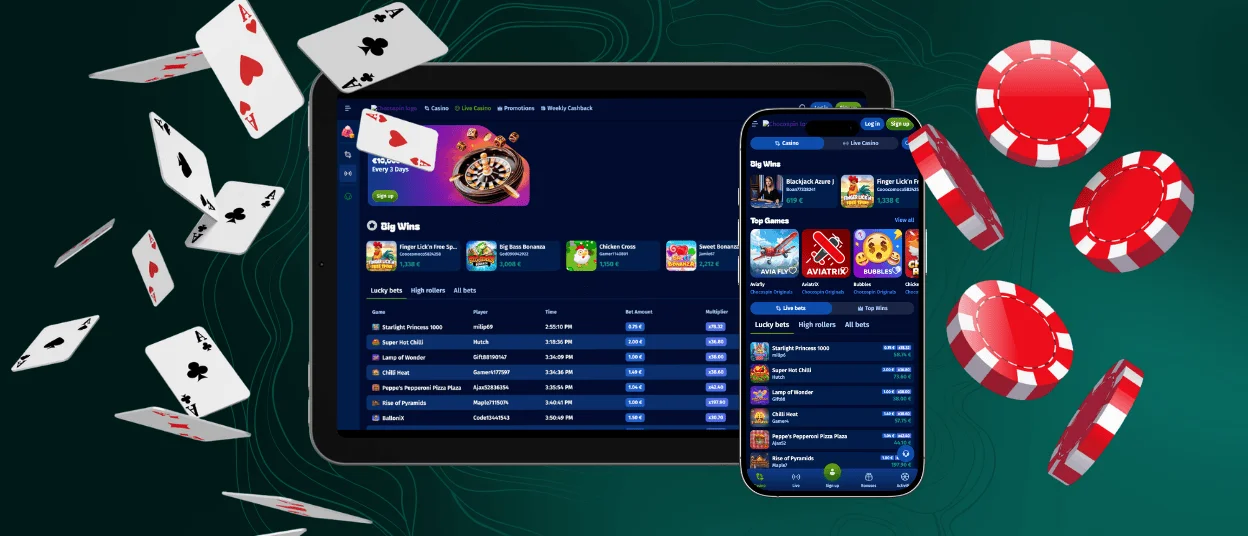
The Chocospin app isn’t limited to phones and tablets. It also works flawlessly on computers running Windows or macOS, which is great for anyone who prefers a bigger screen or longer sessions at a desk. Installing it on a desktop saves time in the long run.
The setup is simple and doesn’t feel like installing traditional software. Once added, the Chocospin Casino icon sits on your desktop just like any other app. From there, access is instant. This option makes sense if you often switch between devices because everything stays in sync. You can start a session on your laptop and later continue on your phone without losing track of balances, bonuses, or recent activity.
Difference Between PC and Mobile Versions of the App
Desktop and mobile versions of the Chocospin app just differ in comfort and how you’re using them. Both give you identical access – same online slots, live dealer games, account tools, and the whole verification process – nothing gets locked away or hidden depending on what you’re holding.
Desktop feels right for sessions where you’re settling in, or when you want to read through game rules without squinting, or juggle multiple things like scrolling through games while chatting with support simultaneously. Mobile thrives on speed and flexibility, slipping perfectly into those random pockets of free time.

FAQ
Is the Choco Spin app the same on Android and iOS devices?
The experience is the same on both platforms. The Chocospin layout adjusts slightly to match each system, but games, payments, live chat, and the support team are all available in exactly the same way.
What are the pros and cons of playing on a mobile device versus a PC?
The Chocospin mobile play is faster to access and easier when you’re away from your computer. PC play offers more screen space and comfort for longer sessions. Chocospin Casino doesn’t change features between devices, so it’s mostly about which format fits your routine better.
Can I log into the Choco Spin app with the same account?
Yes, one account works everywhere. You can use the same login details on mobile and desktop, and everything stays synchronized automatically. The verification process also applies equally, no matter which device you choose to upload documents from.


